



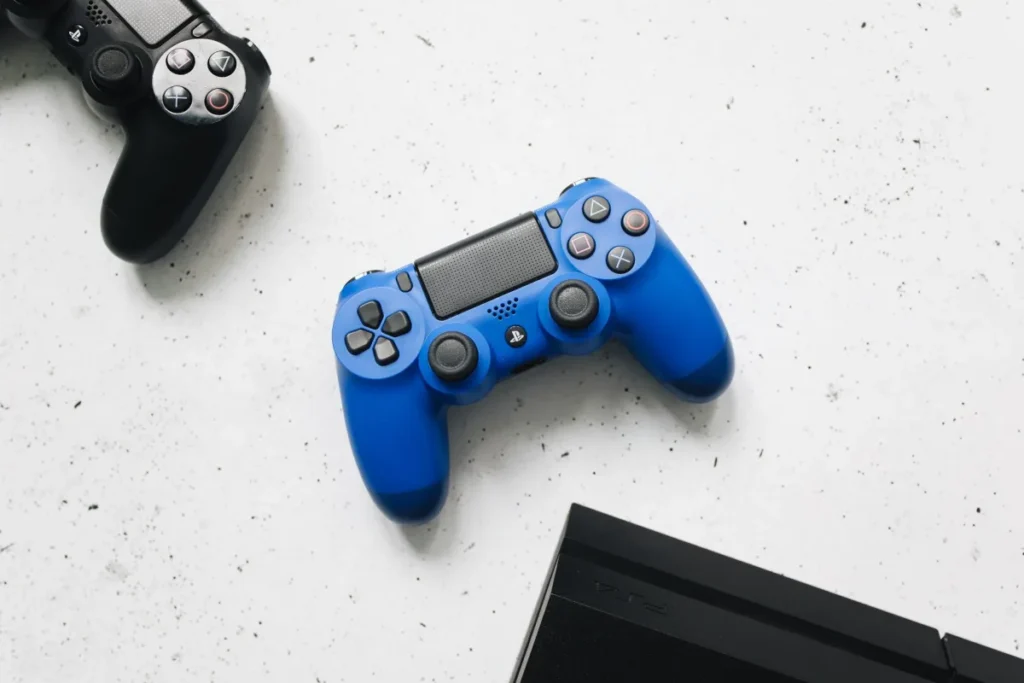
How to Back Up Save Games on PS4
To protect save games, PS4 owners can upload saves to PlayStation Plus cloud storage or copy them to a USB drive. Go to Settings, then Application Saved Data Management, choose Saved Data in System Storage, and pick Upload to Online Storage or Copy to USB Storage Device. Auto-upload keeps cloud copies current.
| Method | Needs | Best for |
|---|---|---|
| PS Plus cloud storage | Any PS Plus tier | Automatic, off-site backups |
| Copy to USB | USB drive (FAT32 or exFAT) | Free, manual backups |
| Full console backup | USB drive with enough space | Before repairs or a hard drive swap |
| Transfer to PS5 | Cloud, USB or data transfer | Continuing PS4 games on PS5 |
Saves matter before any repair or reset. Our PlayStation fix guide tells you which fixes are safe for your data.
Back Up Save Games: PS4 Cloud Method
- Check PS Plus. Cloud storage needs an active PlayStation Plus membership.
- Open the save menu. Go to Settings, then Application Saved Data Management.
- Choose Saved Data in System Storage. Then select Upload to Online Storage.
- Select games. Tick the games or press Options to select all, then Upload.
- Turn on Auto-Upload. In the same menu, enable Auto-Upload and allow the PS4 to stay connected in rest mode.
Back Up Saves to USB
Plug in a USB drive formatted as FAT32 or exFAT. In Application Saved Data Management, choose Saved Data in System Storage, then Copy to USB Storage Device. Store the drive somewhere safe. A few games block save copying to prevent cheating; those only back up through the cloud if allowed.
For a full backup of games, saves and settings, Sony explains the process in its PS4 backup and restore guide.
Upgrading to PS5?
See what changes, what carries over and whether the upgrade is worth it now.
Compare PS4 and PS5Move PS4 Saves to a PS5
For PS4 games played on PS5, download saves from cloud storage in the PS5’s Settings, then Saved Data and Game/App Settings. For games with a separate PS5 version, check whether the publisher supports save transfer; some upgrade saves automatically, others do not. Sony covers PS5 cloud saves on its PS5 cloud storage page.
Common Mistakes
- Letting PS Plus lapse without downloading saves; access can expire after a grace period.
- Choosing “overwrite” with an older save from the cloud.
- Using an NTFS-formatted USB drive the PS4 cannot read.
- Initializing the PS4 before checking backups exist.
PC players can read how Valve handles saves in our Steam Cloud guide. If an update failed and you are worried about saves, our PS4 update guide explains which options keep data.
Save missing after a transfer?
Tell us the game and how you moved it. We will help you check where it went.
Ask GamingFixFrequently Asked Questions
How long does it take to back up PS4 save games?
Uploading saves to the cloud or copying them to USB usually takes a few minutes, since save files are small. A full console backup that includes games can take hours, depending on how much data you have. Turning on auto-upload takes a minute and then runs in the background.
What do I need before backing up PS4 saves?
For cloud backups, you need an active PlayStation Plus membership and an internet connection. For USB backups, you need a drive formatted as FAT32 or exFAT. Sign in to the account that owns the saves, because saves are tied to each PlayStation Network account.
What are common mistakes when saving PS4 games?
The most common mistakes are overwriting a newer save with an older cloud copy, using an unsupported USB format, and letting PS Plus expire without downloading saves. Some players also initialize the console before confirming backups, which permanently deletes unsynced progress.
Can I back up PS4 saves without PS Plus?
Yes. Copy saves to a USB drive through Application Saved Data Management. This is free and works for most games. A few games block copying to protect online modes, and those cannot be backed up without PS Plus cloud storage.
Do PS4 saves work on PS5?
PS4 saves work when you play the PS4 version of a game on PS5. For games with a PS5 version, save transfer depends on the publisher. Some games include an option to import your PS4 progress, while others start fresh, so check the game’s details first.