




PS4 Xbox Controller: Will It Work?
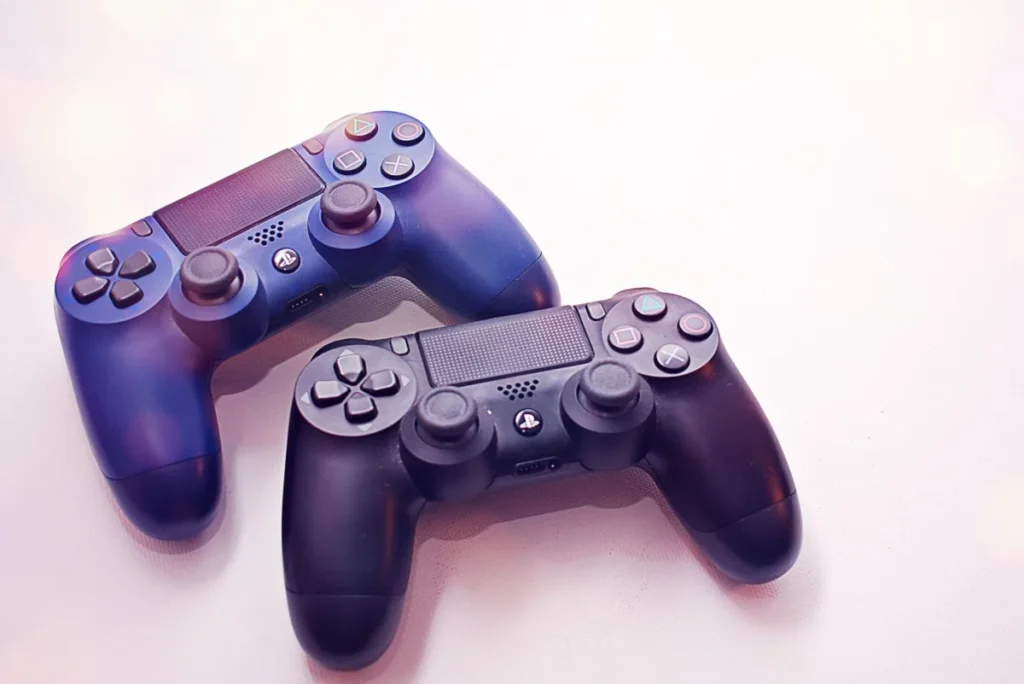
No, a PS4 Xbox controller connection is not officially supported. The PS4 only pairs DualShock 4 and licensed PlayStation controllers. Some third-party adapters claim to make Xbox pads work, but they are unofficial, can break after updates and may be blocked. For reliable play, use a DualShock 4 or a licensed PS4 controller.
| Option | Works on PS4? | Notes |
|---|---|---|
| Xbox controller directly | No | Not supported over USB or Bluetooth |
| Unofficial adapters | Sometimes | Unsupported; may stop working or be blocked |
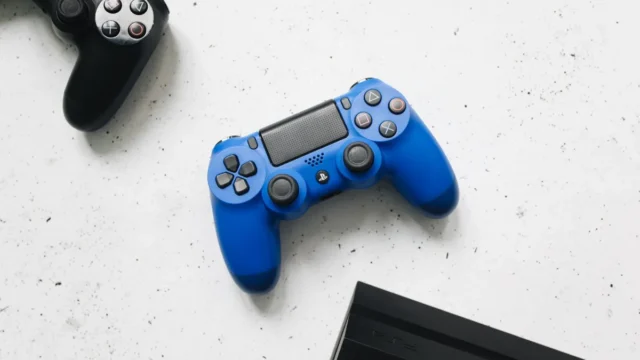
| DualShock 4 | Yes | Official, full features |
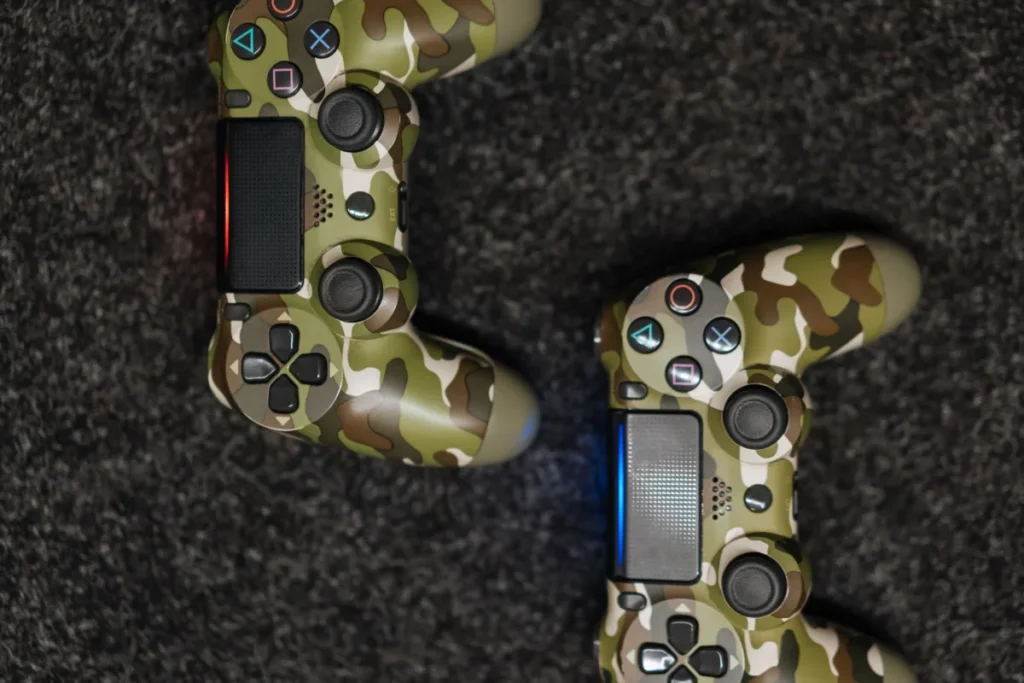
| Licensed PS4 controllers | Yes | Look for official licensing |
| Xbox controller via Remote Play on PC | No | Sony lists only PlayStation pads for Remote Play |
Sony lists supported pads on its controllers support page, and its Remote Play guide names only PlayStation controllers. Comparing pads? Read our Xbox controller guide and our PlayStation controller guide.
Why Xbox Pads Don’t Work on PS4
Consoles use their own controller protocols and security checks. The PS4 looks for Sony or licensed hardware and ignores other controllers. Adapters work by pretending to be a PlayStation controller, which is why they are fragile and unsupported.
From our experience, players usually want an Xbox pad on PS4 because of the offset stick layout. Licensed PS4 controllers with an offset layout exist, which gives that feel without adapter risks.
How to Choose an Alternative
- Decide what you miss. Offset sticks, battery life, or a specific feel.
- Check licensing. Look for official PlayStation licensing on the box.
- Check features. Some licensed pads lack the touchpad, light bar or motion sensors.
- Consider wired. Many licensed pads are wired, which is fine for couch play near the console.
- Buy from a trusted store. Fake “licensed” pads are common online.
Adapter caution: unofficial adapters can stop working after system updates, and some games or modes may detect them. Never use adapters that require modifying the console.
DualShock 4 not connecting?
Our PlayStation hub covers pairing, resets and controller fixes.
Fix PlayStation problemsCommon Mistakes
- Buying an adapter without checking its PS4 support list.
- Expecting full features like the touchpad on cheap pads.
- Assuming a DualSense works on PS4; it does not for PS4 games on PS4.
Upgrading consoles? Our PS4 vs PS5 guide covers controllers too. On PC, Xbox pads work great; see our PC Xbox controller guide.
Need a PS4 pad that feels like Xbox?
Tell us your budget. We will suggest what to look for.
Ask GamingFixFrequently Asked Questions
How long does it take to set up an alternative controller on PS4?
A DualShock 4 or licensed wired pad works in about a minute: plug it in with USB and press the PS button. Wireless licensed pads pair similarly. Adapters, if you try one, need firmware updates on a PC first.
What do I need before using a different controller on PS4?
You need a DualShock 4 or an officially licensed PS4 controller, a USB cable for first pairing, and an updated PS4. If you are tempted by an adapter, check its PS4 support list and update its firmware.
What are common mistakes with Xbox controllers on PS4?
The most common mistake is buying an Xbox controller for a PS4 expecting it to work. Others include buying unofficial adapters that later stop working, and assuming PS5 DualSense controllers work for PS4 games on a PS4.
Will an Xbox controller get me banned on PS4?
Using an adapter is unlikely to cause a ban by itself, but it is unsupported, and some adapters combined with macro or cheat features can break game rules. Avoid adapters that offer turbo or aim features in online games.
Can I use an Xbox controller on PS5?
No, not natively. PS5 games require a DualSense, and the PS5 does not support Xbox controllers. The same adapter caveats apply. For PS5, use a DualSense, DualSense Edge or licensed controller.